Make videos with ByteDance's Seedance 2.5 Flash or Seedance 2.5. Start from a prompt or an image, guide the shot with up to 20 references on Seedance 2.5 Flash (50 on Seedance 2.5), or edit a video you already have.
Model
Frames (optional)
Add a start image to animate it, and an end frame to set where it lands.
Prompt
Resolution
Aspect ratio
Length
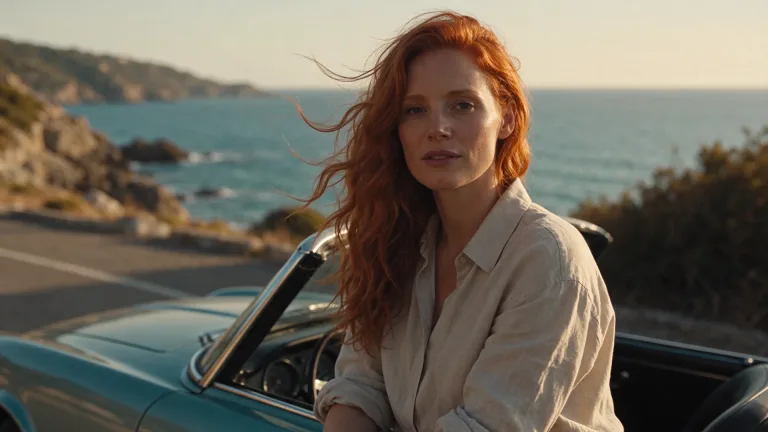
Road-trip scene from text
A cinematic daytime scene on a sunlit coastal road. A woman in a cream linen shirt steps out of a vintage convertible, shades her eyes with one hand and looks out over the bright blue sea, then smiles as the wind lifts her hair. 0-2s: slow dolly-in as she closes the car door. 2-5s: the camera arcs around her to reveal the cliffs and the ocean. Golden afternoon sunlight, warm natural color grade, anamorphic lens flare, shallow depth of field. Waves, wind and distant gulls, no music.
To get several camera moves in one continuous shot, time-code them in the prompt (0-2s dolly-in, 2-5s arc around her). Give each time range one move.
A 30-second single take from one prompt
For a long take, split the prompt into time ranges (0-6s, 6-12s ...) with one action and one camera move each, and start with "One continuous take, no cuts".
Bring a photo to life with a spoken line
To make a photo speak, put the line in quotes and say how it is said (with a small laugh). The start image sets the face, outfit and light, so the prompt only needs the motion.
Same character in a new scene
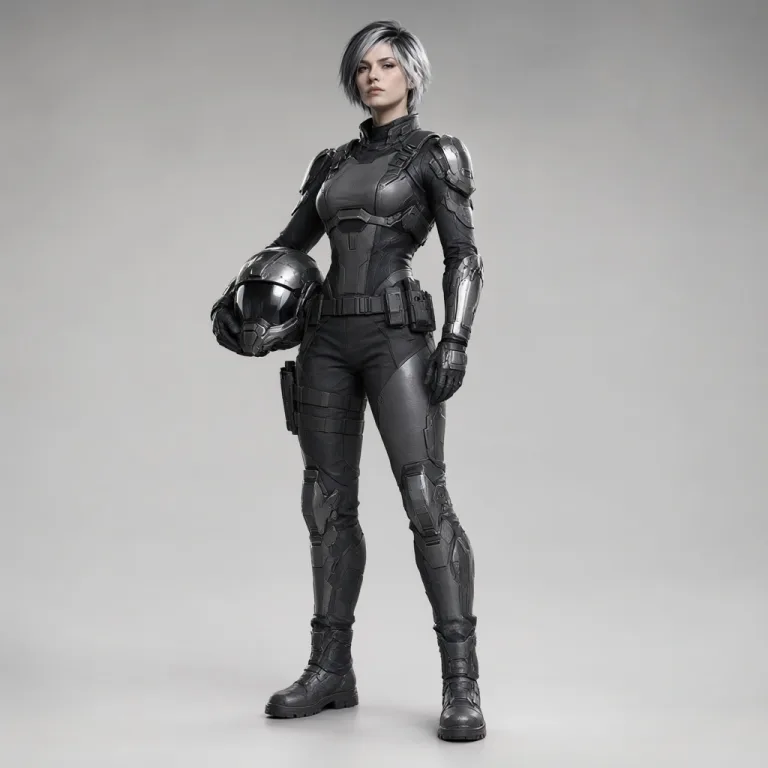
To put the same person in a new place, upload them as a reference and write @Image 1 in the prompt. Describe the new location, the action and the sound; name any clothing the image does not show.
Two characters from two images in one scene
To put two characters in one scene, give each its own image and tag (@Image 1, @Image 2). Name the tag in every sentence so their actions and lines stay with the right person.
A person placed into a location photo
To place a person into a location, use one image for the person and one for the place, and say who goes where (@Image 1 at a table in @Image 2).
A character and a car from two images
When a person and an object must both stay true to their photos, list the details to keep for each: face, dress and jewelry; paint, chrome and wheels.
Change colors and season in a clip
To change part of an existing video, say what to change first, then list what stays the same: the person, the movement and the camera. Editing is billed per second of the source video.
Multi-shot dialogue from one character image
For a multi-shot scene, write one shot per line and start each new shot with "Cut to". Keep the dialogue short or raise the length so every line fits.
Two-person scene from a still
For a two-person dialogue from one still, say who speaks each line. The start image sets both characters and the framing.
Short comedy beat from text
For a comedy beat, build the prompt around one gag and one camera move. Several events in 5 seconds tend to feel rushed.
Turn one object into another material
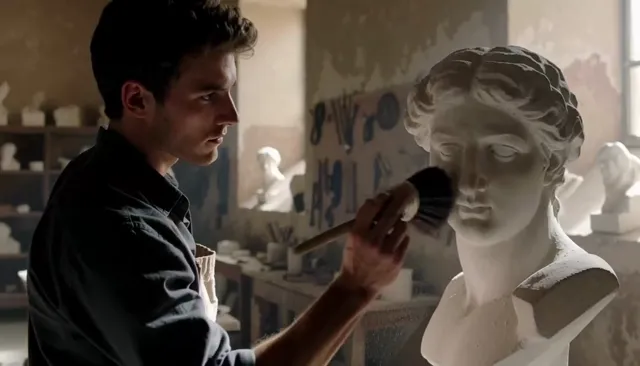
To change one object, name only that object and ask to keep its shape and size and everything else in the shot. Editing is billed per second of the source video.
What is Seedance Flash?
Seedance Flash, full name Seedance 2.5 Flash, is the accelerated version of ByteDance's Seedance 2.5 video model, released in November 2026. It makes videos of 4 to 30 seconds at 480p or 720p and is built for quick previews and frequent revisions.
Seedance Flash runs in the browser on desktop and mobile, with nothing to install. It offers four modes: text to video, image to video with a start and last frame, reference to video with images, videos and audio, and editing of a video you already have.
The Seedance model family
Feb 2026Seedance 2.0
The generation that brought image, video and audio references and multi-shot scenes.
Up to 15 s
12 references
Up to 4K
Jul 2026Seedance 2.5
Raised one take to 30 seconds and references to 50, for higher-quality finals.
Up to 30 s
50 references
Up to 1080p
Nov 2026Seedance 2.5 Flash= Seedance Flash
The accelerated version of Seedance 2.5: faster generation for quick previews and frequent revisions.
Up to 30 s
20 references
480p / 720p
What can you make with Seedance Flash?
Seedance Flash suits short videos you want to try and revise quickly: social clips, product ads, storyboard tests and scenes up to 30 seconds.
30 seconds in one take
Seedance 2.5 Flash makes one continuous clip of 4 to 30 seconds, with no cuts or stitching. For a long take, split the prompt into time ranges (for example 0-6 s, 6-12 s) and give each range one action. Keep to one location and one steady camera path so a 30-second take stays on track.
Video from a text prompt
Seedance Flash turns a text prompt into a video, with no images needed. Write the subject, the action, the camera move and the sound in plain sentences. Crowding one shot with many people and actions tends to muddle the picture.
Animate a photo with start and end frames
Upload a start frame and Seedance Flash animates it, keeping the face, clothes and light of the photo. Add an end frame to set where the clip finishes. If the two frames show different people or places, the move between them looks forced.
Up to 20 references in one video
Seedance 2.5 Flash takes up to 20 references in one video: 10 images, 5 videos and 5 audio clips. Tag each one in the prompt (@Image 1, @Image 2) and say what it is for, such as a face, an outfit or a setting. Seedance 2.5 takes up to 50 references.
Several shots from one prompt
One prompt can give Seedance Flash several shots in a single video. Write one shot per line and start each new shot with "Cut to". Add a character image as a reference to keep the same person in every shot.
Edit a video you already have
Seedance 2.5 Flash edits a video you already have: upload a clip of 4 to 30 seconds and describe the change in words. Say what should change and what should stay, such as an object's material or the camera move. Editing is billed per second of the source video.
Which Seedance model should you use?
Use Seedance 2.5 Flash for drafts and quick clips of up to 30 seconds at 480p or 720p. Use Seedance 2.5 for higher-quality finals at up to 1080p. Use Seedance 2.0 for short clips of up to 15 seconds in 4K.
Making a video on Seedance Flash takes three steps in any modern browser.
Pick a mode and add your files
Choose Text / Image for text or image to video, Reference to guide the video with images, videos or audio, or Edit video to change a clip you have. Then describe the subject, action, camera movement and mood.
Choose the settings
Pick the model, the resolution, a length of 4 to 30 seconds and the aspect ratio. Use 480p for drafts and a higher resolution for the clip you publish.
Generate and download
Watch the video when it is ready and download it as an MP4 file.
How much does Seedance 2.5 Flash cost?
A 5-second 480p Seedance 2.5 Flash video costs 40 credits, about $0.86 to $1.58 depending on your plan or pack. Seedance 2.5 Flash uses 8 credits per second at 480p and 16 at 720p, so you pay only for the seconds you make.
Partly. Seedance Flash gives every visitor 10 free credits a day, enough for one 5-second 480p video with the free model, Seedance 2.0 Mini. Seedance 2.5 Flash videos use credits from a plan or a credit pack.
Describe the subject, one clear action, the camera movement, the light and the sound. For several shots in one video, write one shot per line and start each new shot with "Cut to". Test a prompt at 480p first, then make the version you publish at 720p.
Choose the Reference tab, upload your files and refer to them in the prompt by their tags, such as @Image 1, @Video 1 or @Audio 1. Seedance 2.5 Flash takes up to 10 images, 5 videos (30 seconds in all) and 5 audio files. Seedance 2.5 takes up to 30 images, 10 videos and 10 audio files. Seedance 2.0 takes up to 9 images, 3 videos (15 seconds in all) and 3 audio files. Each second of reference video adds to the price.
Yes. Choose Edit video, upload an MP4 or MOV file up to 50 MB and describe the change. Seedance 2.5 Flash edits at up to 720p and uses the first 30 seconds. Seedance 2.5 edits at up to 1080p and uses the first 30 seconds. Seedance 2.0 edits at up to 4K and uses the first 15 seconds. Editing uses credits per second of the source video.
Yes. Under the Seedance Flash terms of service, you may use the videos you create, including commercially, as long as the content follows the terms and the law where you live.